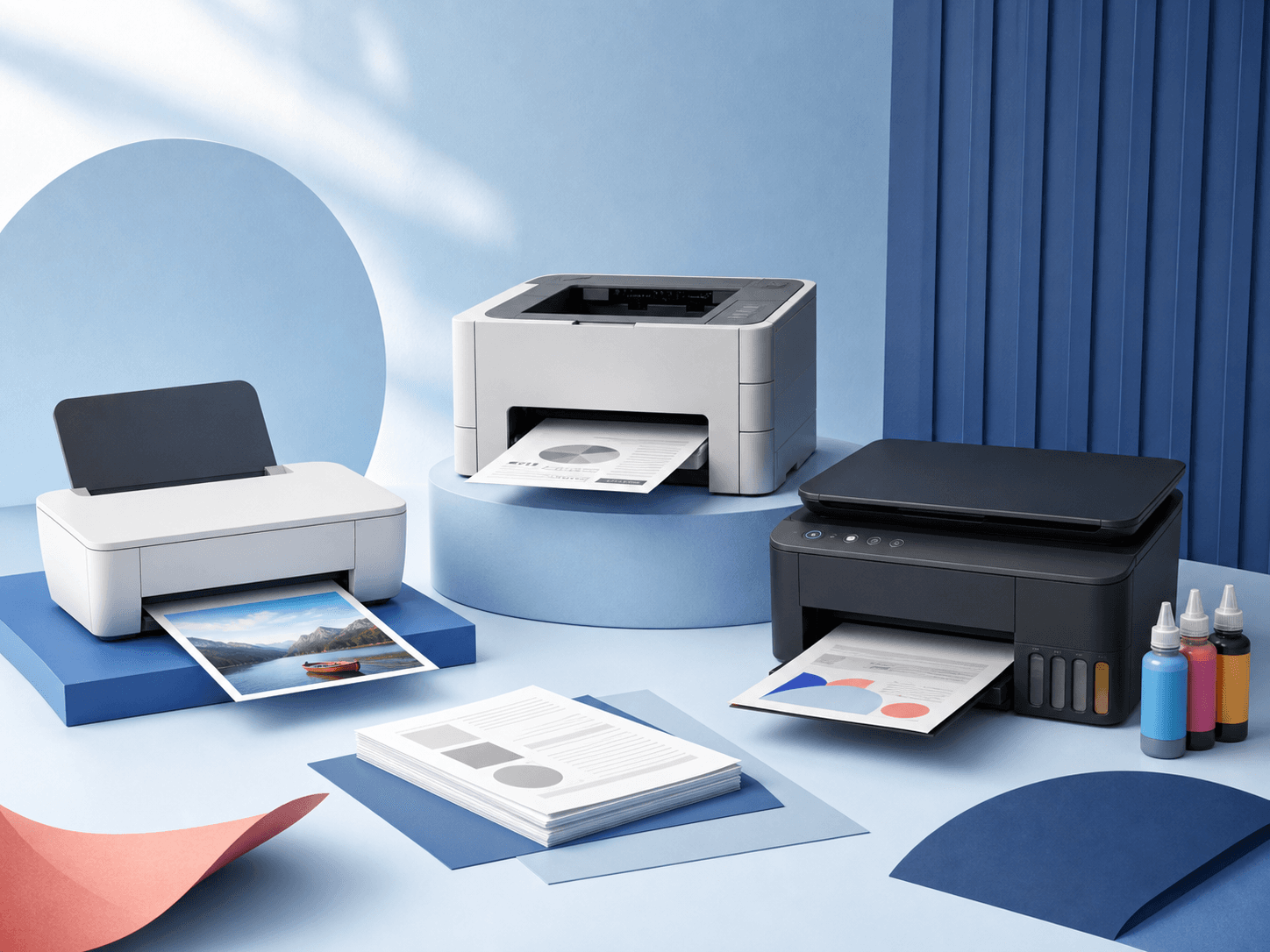
Printer boxes love to throw big numbers at you. Most of them don’t matter very much. A good printer is simply one that fits the kind of work you do and doesn’t cost a small fortune every time the ink runs out. Start with who will use it and what they print — everything else follows from there.
Start with who the printer is for
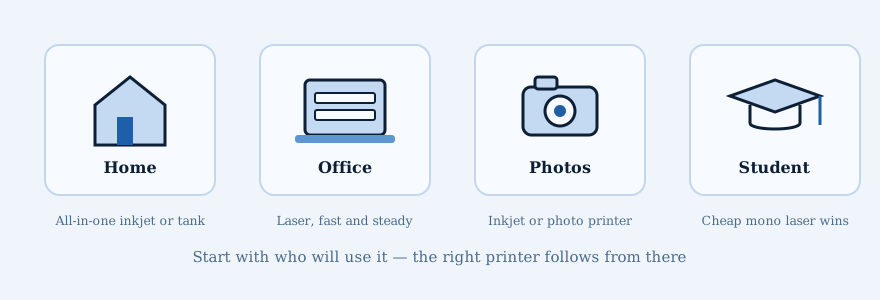
For a family at home, an all-in-one inkjet is the easy pick. One machine prints school papers, copies a recipe out of a cookbook, and scans documents. Some all-in-ones do three jobs — print, copy, and scan — while others add a fourth: fax. If the family prints a lot, an ink tank model means far fewer trips to the store for cartridges.
For a home office or small business, a laser printer is usually the smart choice. Lasers are fast, dependable, and cheap to run when you print a lot. If almost everything you print is text, a black-and-white model saves even more money. Need copies and scans too? Get the all-in-one version.
For photos, an inkjet is the winner. Inkjets lay down ink in tiny droplets, which is exactly what a bright, sharp photo on glossy paper needs. Dedicated photo printers can match what you’d get from a print shop, and small portable ones can print right at a party or event.
For a student, it’s hard to beat a cheap black-and-white laser for essays and readings. If the course work needs color diagrams or photos, a simple inkjet all-in-one covers printing and scanning without costing much.
What do you actually print?
- A few forms, school papers, and tickets now and then.
- Work documents, labels, or invoices a few times a week.
- Stacks of pages shared by several people in an office.
- Photos, crafts, or artwork where the color really matters.
Try to guess how many pages you print in a normal month. You don’t need an exact number. Are we talking 20 pages, 200 pages, or 2,000 pages? That one answer will narrow the choices fast.
The main types of printers
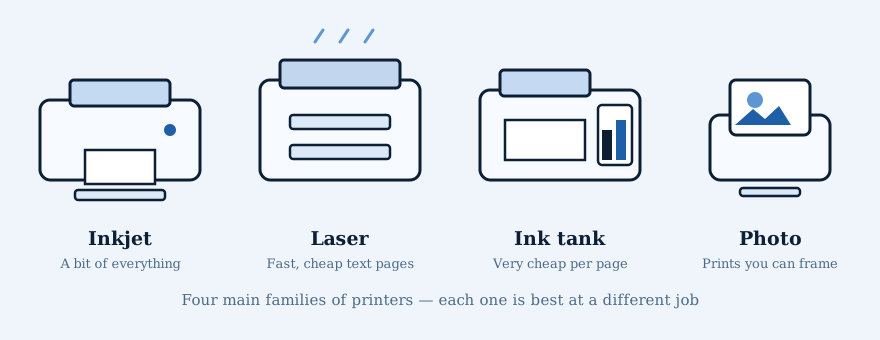
Inkjets spray tiny drops of ink straight onto the page. They’re small, light, and happy printing on all kinds of paper — envelopes, labels, craft paper, glossy photo sheets. Lasers work more like a copy machine: they use a powder called toner instead of liquid ink. That makes them fast, and each page costs very little, which is why offices love them.
Ink tank printers (sometimes called supertank printers) are inkjets with big refillable reservoirs instead of small cartridges. You pour in low-cost bottles of ink, and some models ship with enough ink in the box to last a year or two. Photo printers are specialists: they exist to make prints that look like they came from a photo lab, from wallet-size up to large formats, and portable versions print small photos anywhere.
| Printer type | Pick this when | The catch |
|---|---|---|
| Black-and-white laser | You mostly print text and want something fast and dependable | It won’t print in color |
| Color laser | You print lots of reports, charts, and business pages | The printer and toner can cost more up front |
| Regular inkjet | You print a little bit of everything, including photos | Small ink cartridges can get expensive |
| Ink tank | You print a lot and want very cheap color pages | It costs more to buy and doesn’t love sitting unused for months |
| Photo printer | You want prints good enough to frame or sell | Not the right tool for everyday documents |
Think about the scanner
A flat glass scanner is perfect for photos, books, IDs, and the odd paper. If you scan a stack of papers, get a printer with a document feeder. And if those papers are printed on both sides, look for two-sided scanning. Two-sided printing does not always mean two-sided scanning.
Features that are actually useful
- Automatic two-sided printing saves paper and hassle.
- Ethernet is nice for an office. Wi-Fi is easier around the house.
- A bigger paper tray means fewer refills.
- A rear paper slot is useful for envelopes, labels, and thicker paper.
- Larger ink or toner cartridges are usually a better deal if you print often.
- Mobile printing lets you send pages straight from a phone or tablet — no computer needed.
- Some printers even work with voice assistants, so you can ask for your shopping list or calendar out loud.
Understand how the ink works
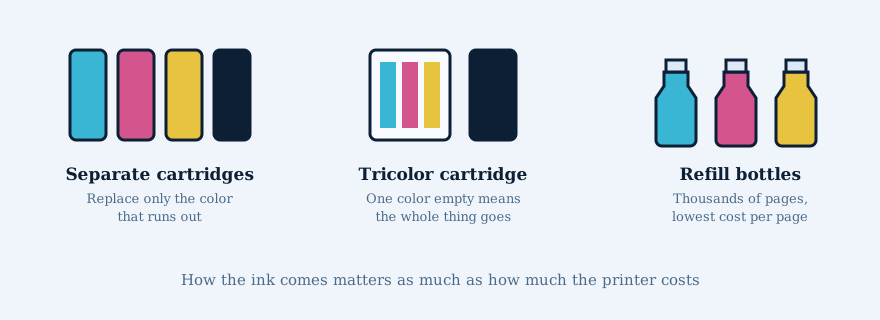
Color printers mix three inks — cyan (blue), magenta (pink-red), and yellow — to make every other color. Most add a separate black for crisp text and richer photos. Here’s the detail that costs people money: some cheap printers put all three colors in one ‘tricolor’ cartridge. When just one color runs dry, you throw the whole cartridge away. Printers with a separate cartridge for each color let you replace only the one that’s empty.
Ink tank printers skip cartridges completely. You refill them from inexpensive bottles, and each bottle prints thousands of pages. The printer costs more on day one, but if you print regularly, it usually becomes the cheapest option within a year.
Check the ink price before you buy
This is the part people skip. Look up the replacement ink or toner before buying the printer. Check the price and how many pages it claims to print. A cheap printer can become the expensive choice after two or three trips to buy cartridges.
How you’ll connect to it
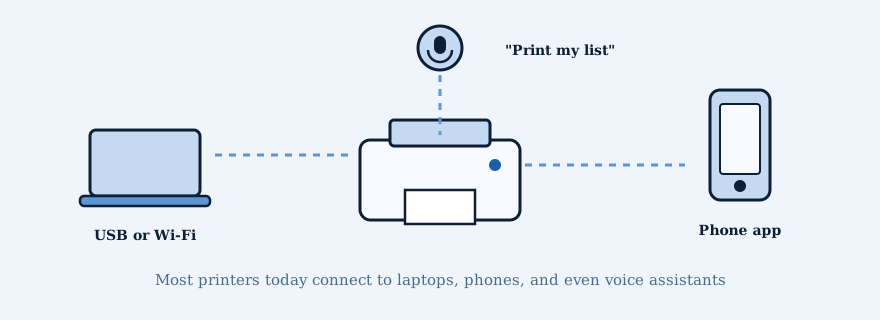
A USB cable is the simplest way to connect one computer, but Wi-Fi is what makes a printer useful for the whole house — every laptop, phone, and tablet can print to it. Phones print through built-in tools like AirPrint or the printer maker’s own app, and many apps let you print from anywhere, even before you get home. If you want the full walkthrough, see our guide on connecting a printer.
A quick checklist before you buy
- Decide roughly how many pages you print each month.
- Write down what you really need: color, scanning, two-sided pages, photos, labels, or envelopes.
- Pick the type that matches: laser for documents, inkjet for a mix, ink tank for volume, photo printer for prints you’ll frame.
- Check how the ink is sold — separate cartridges or refill bottles beat tricolor cartridges.
- Choose how it will connect: USB, Wi-Fi, or Ethernet.
- Look up the price of the replacement ink or toner.
- Make sure the printer works with your computer and phone before bringing it home.