 01
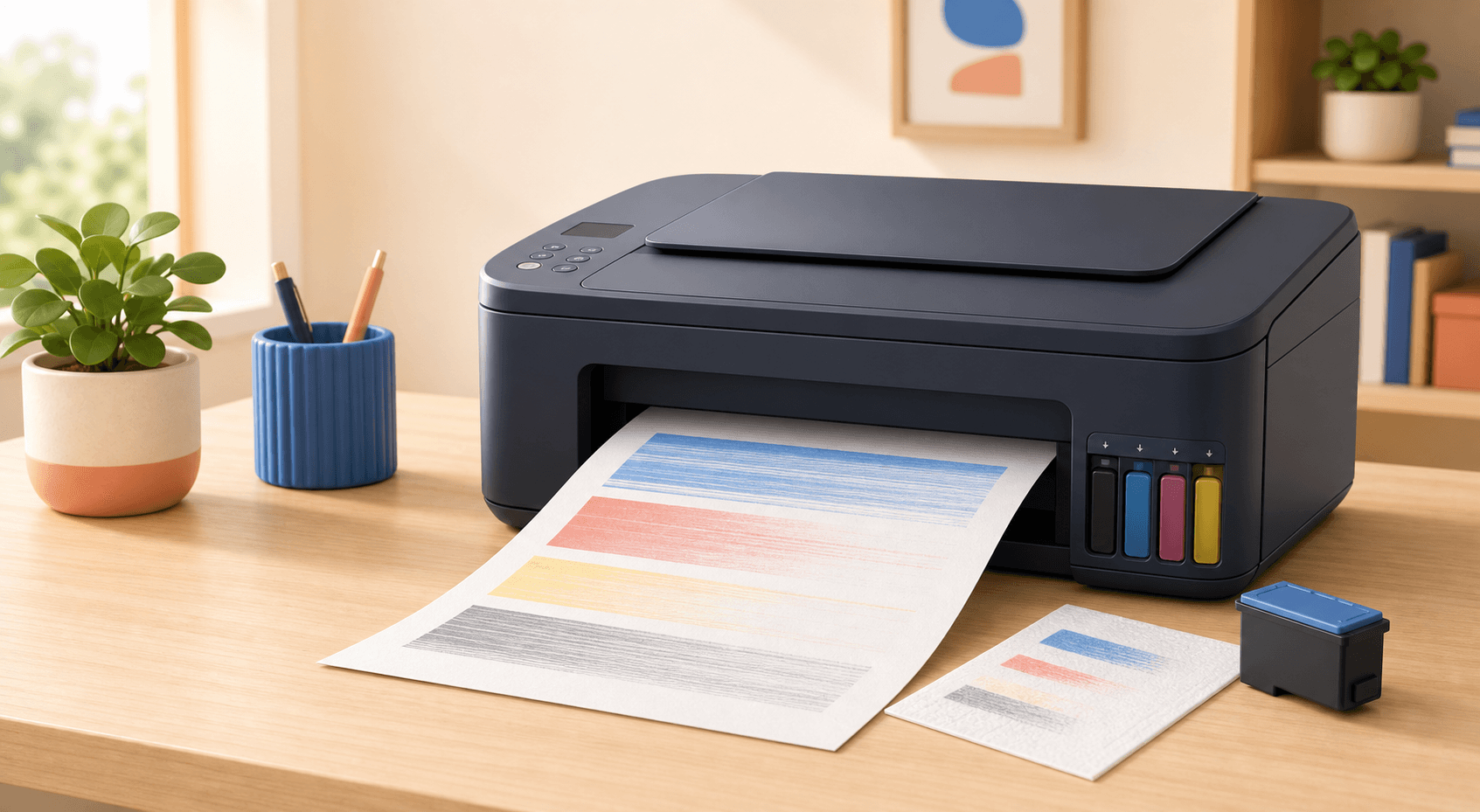
01Print quality
How to fix faded, streaky, or blank printer pages
Bad-looking pages do not always mean your printer is broken. Use these easy checks to find and fix the problem.
8 min readRead guide →
Plain-English guides for choosing, connecting, and keeping your printer reliably online.
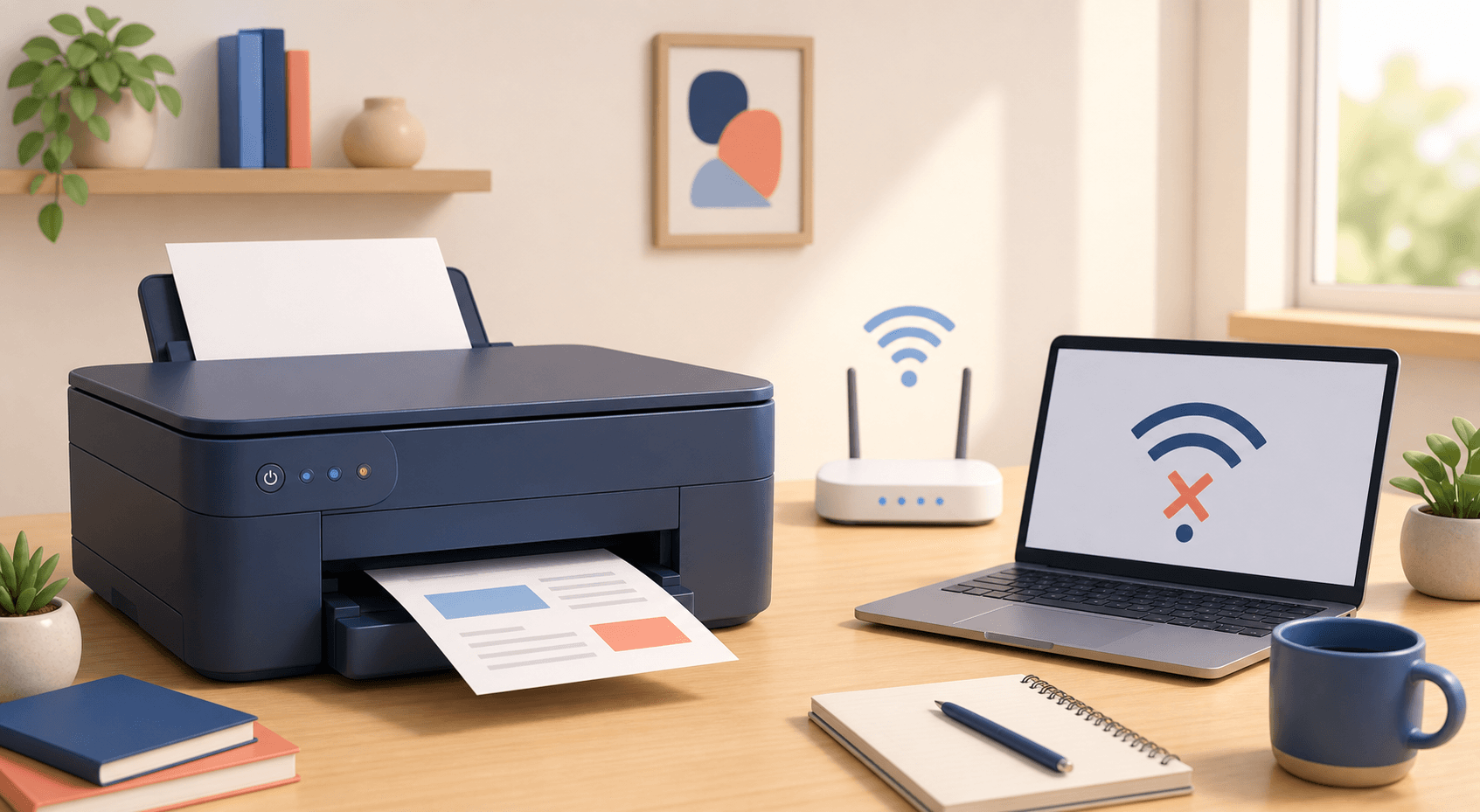
Your printer is turned on, but your computer says it is offline. Try these simple fixes to get it printing again.
Read the complete guide →Save the box. Skip the 90-page manual.
01Bad-looking pages do not always mean your printer is broken. Use these easy checks to find and fix the problem.
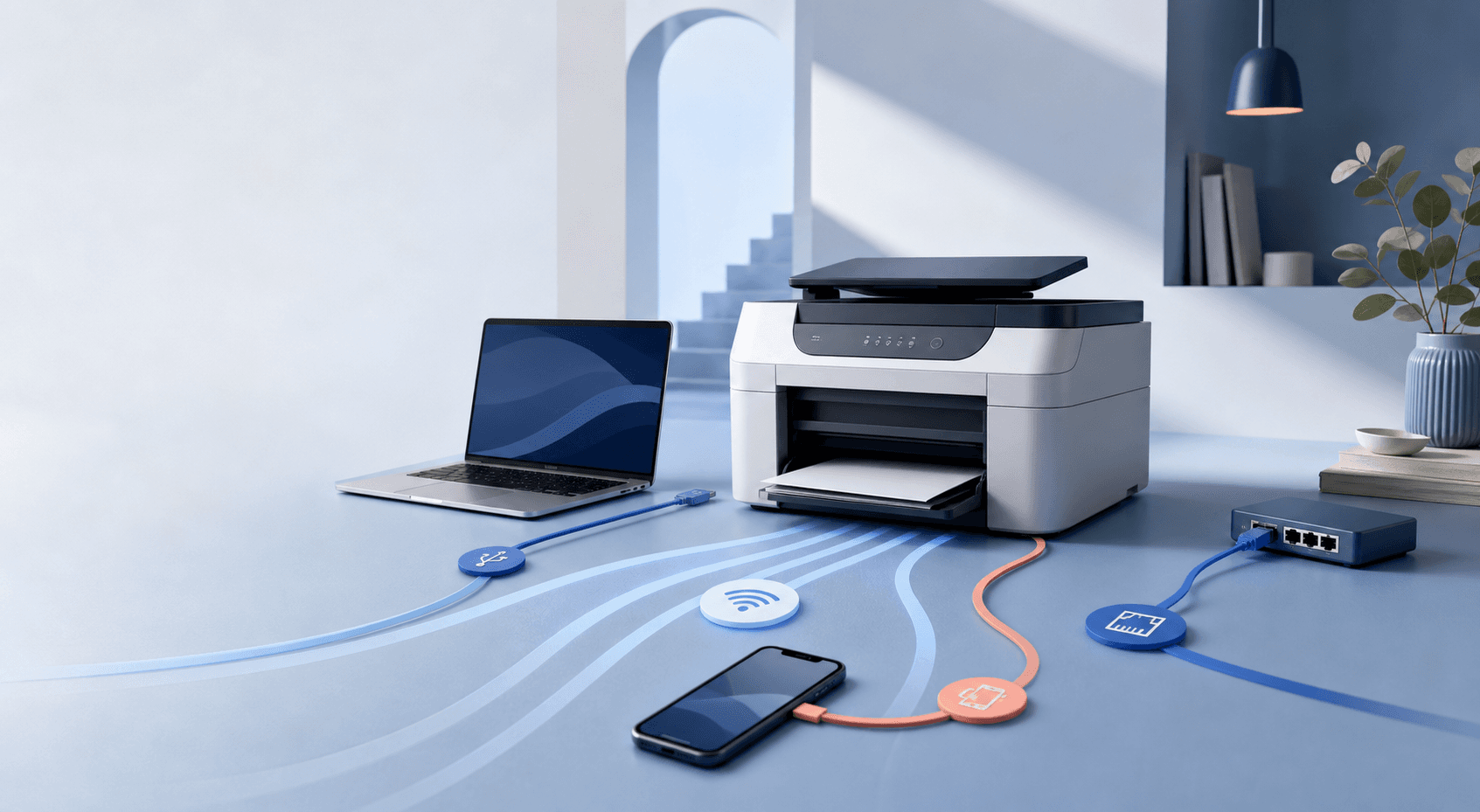
02USB, Wi-Fi, Ethernet, or Wi-Fi Direct? Here’s what each one does and the easiest way to get connected.
 03
03Forget the giant list of specs. Let’s look at what you print, how often you print, and what the ink will really cost.
 04
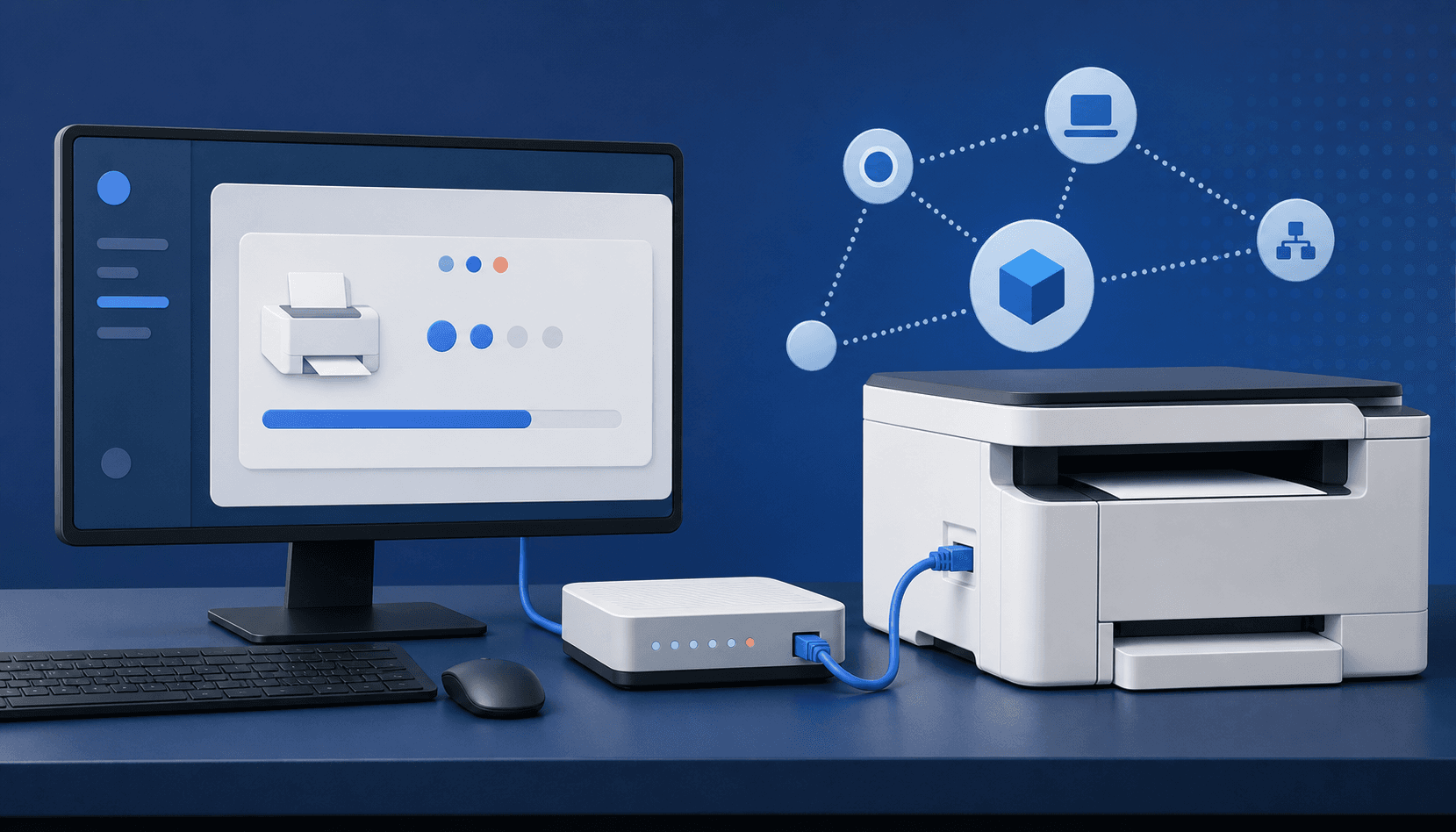
04Find your exact printer, download from the right place, and get printing and scanning working properly.
05If your printer keeps going offline, giving it the same network address every time may be the fix.
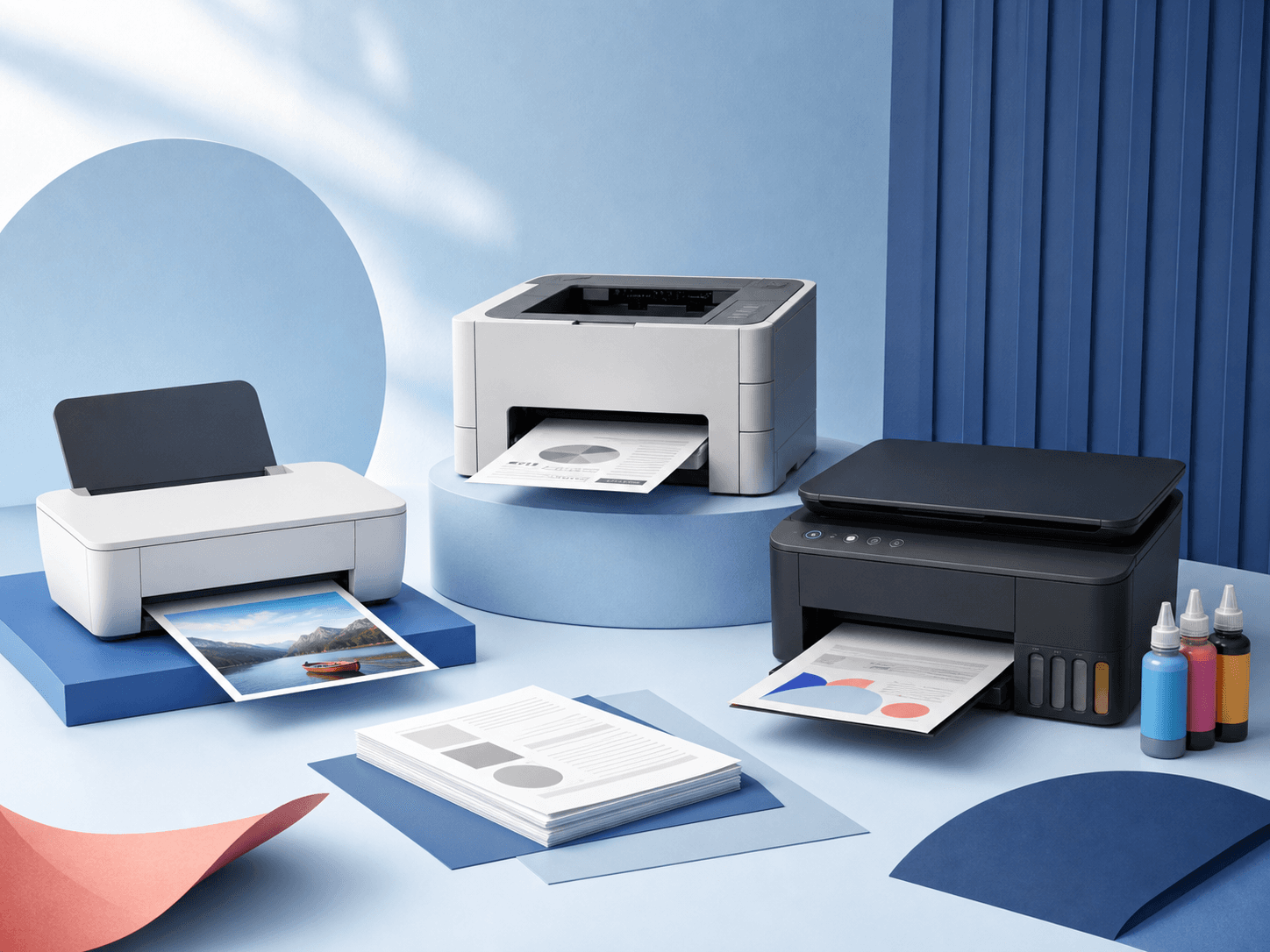
06One sprays liquid ink, the other melts powder onto the page. Here’s how that changes speed, quality, and what you’ll pay.